Free Email Spam Test & Deliverability Checker
Test your email's spamminess with TestMailScore to maximize inbox placement. Get instant comprehensive analysis that flags potential spam issues, verifies authentication, and optimizes deliverability before you send.

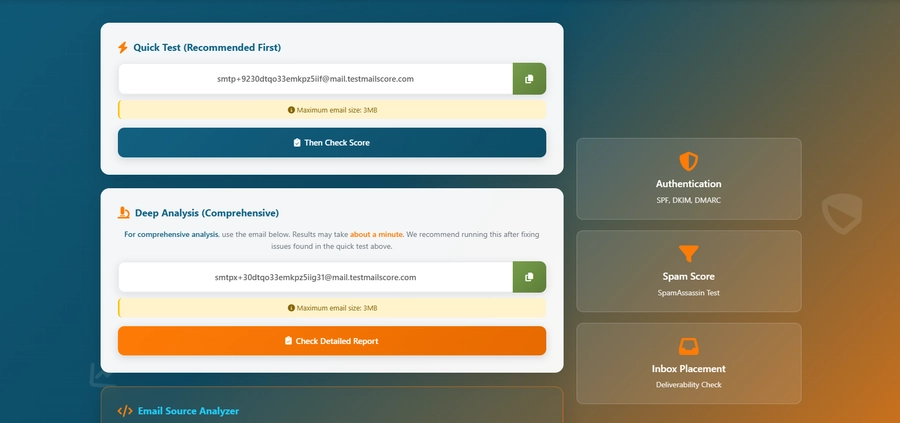
For comprehensive analysis, use the email below. Results may take about a minute. We recommend running this after fixing issues found in the quick test above.
Analyze raw email source code for headers, body, attachments, and MIME structure. Upload .eml files or paste email source code for comprehensive email analysis.
Authentication
SPF, DKIM, DMARC
Spam Score
SpamAssassin Test
Inbox Placement
Deliverability Check
How to Use TestMailScore to Check Email Deliverability
- Click the COPY button to copy the uniquely generated test email address. Send your email to that address, then click Then check score or Check detailed report to analyze your email.
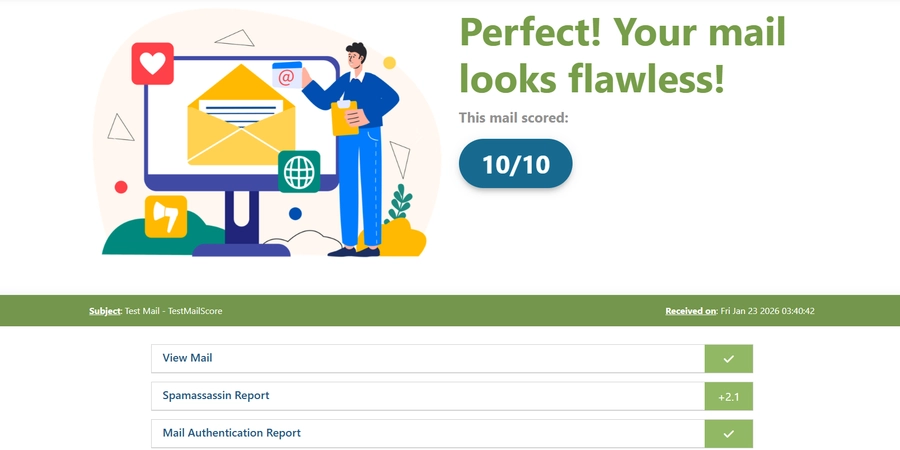
- Wait while our system generates a comprehensive deliverability report analyzing spam score, authentication (SPF, DKIM, DMARC), content quality, and potential delivery issues.
- Review the detailed report with scores and recommendations. Address all flagged issues to improve deliverability. Emails with minimal deductions have the best chance of reaching the recipient's inbox.